
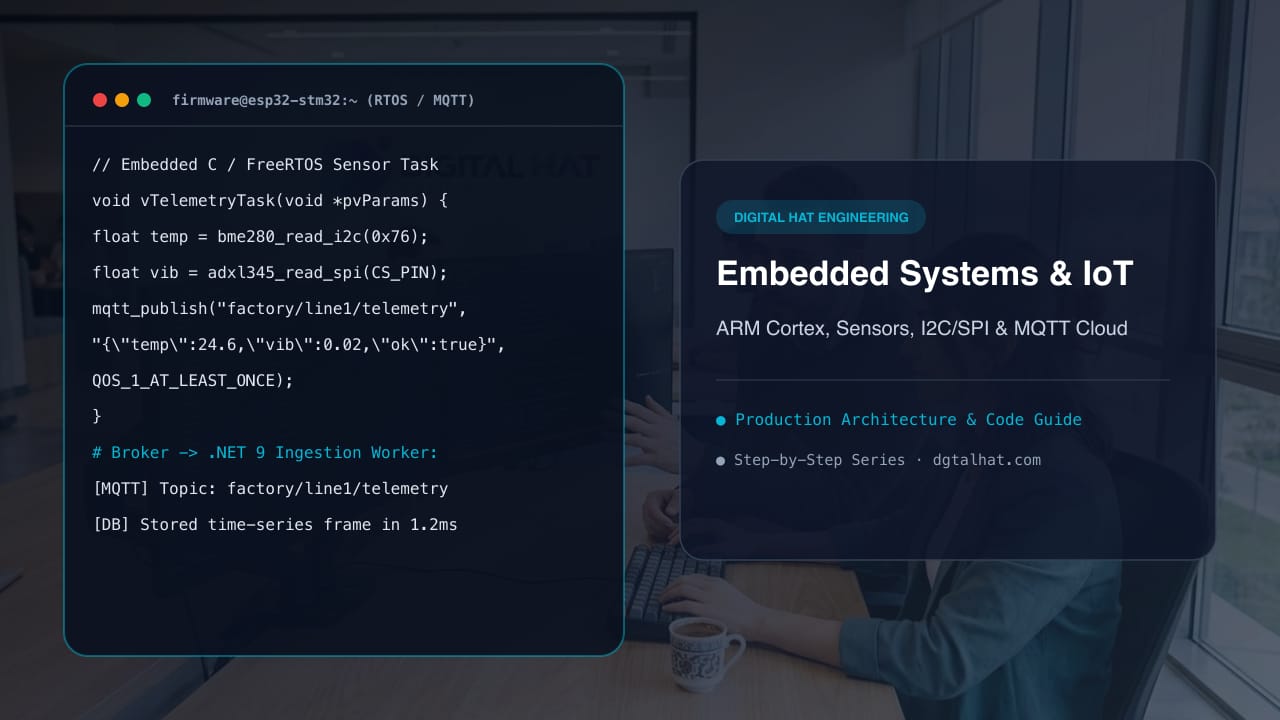
Welcome back! In Part 1 of our IoT, Embedded Systems & Hardware series, we built sensor firmware on ESP32/STM32 microcontrollers over I2C/SPI and streamed JSON telemetry to an MQTT broker. Now we step onto the factory floor to engineer Industrial IoT (IIoT / Industry 4.0) architectures that interface with heavy industrial PLCs (Siemens S7, Allen-Bradley, Schneider, Beckhoff).
What We Will Engineer in This Masterclass:
1. The Industrial IoT Architecture & Project Directory Tree separating the OT factory floor from the IT cloud.
2. Modbus TCP vs. OPC-UA: Reading 16-bit Big-Endian Holding Registers vs. subscribing to semantic OPC-UA nodes.
3. A complete C# Modbus TCP PLC Reader & Store-and-Forward Edge Gateway that buffers telemetry to local disk during internet outages.
4. Storing and compressing hundreds of millions of time-series rows with PostgreSQL + TimescaleDB Hypertables.
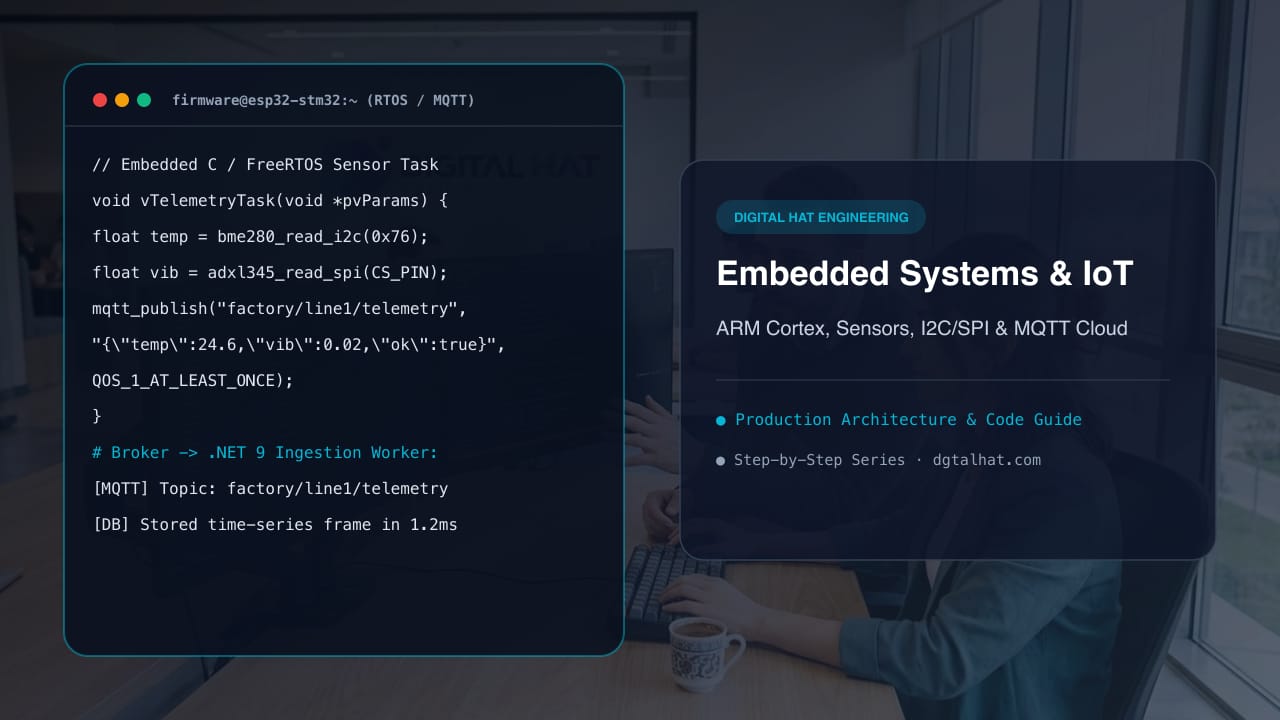
1. The Complete IIoT Solution Directory Tree
DigitalHat.IIoT.Platform/
├── src/
│   ├── DigitalHat.IIoT.EdgeGateway/             # .NET 9 Worker running on an Industrial Linux IPC at the factory
│   │   ├── Protocols/
│   │   │   ├── ModbusTcpPlcReader.cs            # Raw TCP socket client reading Holding Registers (40001+)
│   │   │   └── OpcUaSubscriptionClient.cs       # Event-driven OPC-UA monitored item subscriber
│   │   ├── Buffering/
│   │   │   └── SqliteStoreAndForwardQueue.cs    # Local WAL SQLite ring buffer preventing data loss offline
│   │   ├── Transport/
│   │   │   └── MqttTlsCloudPublisher.cs         # mTLS 1.3 MQTT publisher (Port 8883)
│   │   └── Program.cs
│   │
│   └── DigitalHat.IIoT.CloudIngestor/           # High-throughput cloud ingestion daemon
│       ├── Consumers/
│       │   └── TelemetryBatchConsumer.cs        # Bulk binary COPY writer into PostgreSQL/TimescaleDB
│       └── Persistence/
│           └── TimescaleDbInitializer.cs        # Hypertable chunking and columnar compression policies
2. Modbus TCP vs. OPC-UA Comparison Matrix
| Dimension | Modbus TCP (Port 502) | OPC-UA (IEC 62541) |
|---|---|---|
| Data Addressing | Flat 16-bit memory registers (Coils 0xxxx, Holding Registers 4xxxx). |
Hierarchical object graph with engineering units and metadata. |
| Acquisition Model | Cyclic Master-Slave polling (e.g., every 100ms). | Publish/Subscribe report-by-exception when values cross deadbands. |
| Built-in Security | None (requires isolated OT VLAN + Edge Gateway firewall). | X.509 mutual certificate authentication and payload encryption. |
3. C# Implementation: Reading PLC Holding Registers via Modbus TCP
// File: src/DigitalHat.IIoT.EdgeGateway/Protocols/ModbusTcpPlcReader.cs
using System.Buffers.Binary;
using System.Net.Sockets;

namespace DigitalHat.IIoT.EdgeGateway.Protocols;

public sealed record MachineTelemetryPayload(
    string MachineId,
    double SpindleTemperatureCelsius,
    double VibrationRmsMmPerSec,
    int TotalPartsProduced,
    DateTimeOffset CapturedAtUtc);

public sealed class ModbusTcpPlcReader
{
    public async Task<MachineTelemetryPayload> ReadPlcRegistersAsync(
        string plcIpAddress,
        string machineId,
        CancellationToken ct)
    {
        using var tcpClient = new TcpClient();
        await tcpClient.ConnectAsync(plcIpAddress, 502, ct);
        await using NetworkStream stream = tcpClient.GetStream();

        // 7-Byte MBAP Header + 5-Byte PDU (Function Code 0x03: Read 4 Holding Registers starting at 0x0000)
        byte[] requestFrame =
        [
            0x00, 0x01, // Transaction ID
            0x00, 0x00, // Protocol ID (0 = Modbus)
            0x00, 0x06, // Length (6 bytes follow)
            0x01,       // Unit ID (PLC Slave ID 1)
            0x03,       // Function Code 03: Read Holding Registers
            0x00, 0x00, // Start Offset 0 (Register 40001)
            0x00, 0x04  // Read 4 contiguous 16-bit registers (8 bytes)
        ];

        await stream.WriteAsync(requestFrame, ct);

        byte[] responseBuffer = new byte[17];
        await stream.ReadExactlyAsync(responseBuffer, ct);

        short rawTemp      = BinaryPrimitives.ReadInt16BigEndian(responseBuffer.AsSpan(9, 2));
        short rawVibration = BinaryPrimitives.ReadInt16BigEndian(responseBuffer.AsSpan(11, 2));
        int totalParts     = BinaryPrimitives.ReadInt32BigEndian(responseBuffer.AsSpan(13, 4));

        return new MachineTelemetryPayload(
            MachineId: machineId,
            SpindleTemperatureCelsius: rawTemp / 10.0,
            VibrationRmsMmPerSec: rawVibration / 100.0,
            TotalPartsProduced: totalParts,
            CapturedAtUtc: DateTimeOffset.UtcNow);
    }
}
4. Cloud Storage: PostgreSQL + TimescaleDB Hypertables & Columnar Compression
CREATE TABLE machine_telemetry (
    captured_at_utc           TIMESTAMPTZ      NOT NULL,
    machine_id                VARCHAR(32)      NOT NULL,
    spindle_temp_celsius      DOUBLE PRECISION NOT NULL,
    vibration_rms_mm_per_sec  DOUBLE PRECISION NOT NULL,
    total_parts_produced      INTEGER          NOT NULL
);

SELECT create_hypertable('machine_telemetry', by_range('captured_at_utc', INTERVAL '1 day'));
CREATE INDEX ix_telemetry_machine_time ON machine_telemetry (machine_id, captured_at_utc DESC);

ALTER TABLE machine_telemetry SET (
    timescaledb.compress,
    timescaledb.compress_segmentby = 'machine_id',
    timescaledb.compress_orderby = 'captured_at_utc DESC'
);
SELECT add_compression_policy('machine_telemetry', INTERVAL '7 days');
Did you find this engineering guide helpful?
Give it a like or share it with your team and network.
3 views
Share This Guide: