
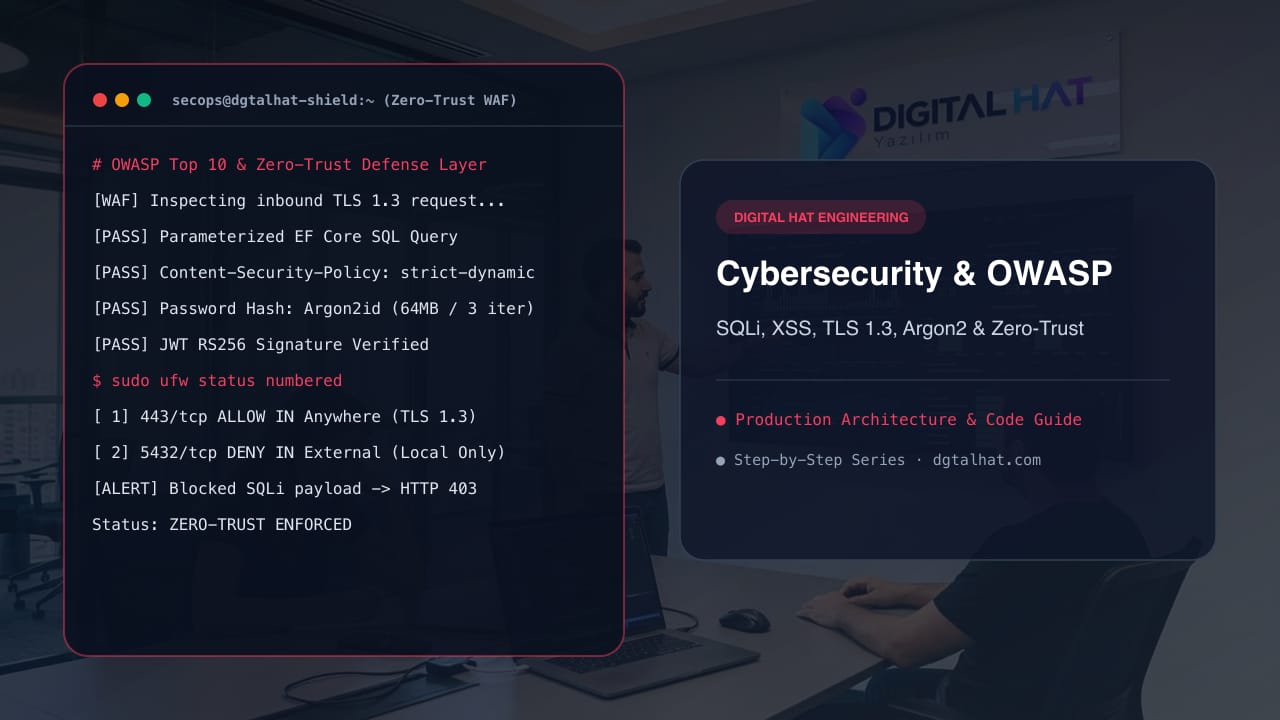
Welcome back! In Part 1 of our Cybersecurity & System Hardening series, we eliminated application-layer OWASP Top 10 vulnerabilities (SQL Injection, XSS, CSRF, IDOR, and Argon2id password hashing). Now we turn to the infrastructure layer: Zero-Trust Network Security, Host Firewalls, Intrusion Prevention, and Secret Management.
Even if your C# codebase has zero bugs, exposing port 5432 (PostgreSQL) or 6379 (Redis) to the public internet—or accidentally committing a database password inside appsettings.json to Git—gives attackers direct entry without ever touching your application logic.
What We Will Engineer in This Masterclass:
1. Zero-Trust Network Topology: Binding internal services strictly to127.0.0.1/ private VPC interfaces.
2. UFW (Uncomplicated Firewall) default-deny perimeter rules allowing only ports 80, 443, and custom SSH.
3. Fail2Ban Intrusion Prevention System (IPS): Real-time log analysis that automatically bans brute-force IPs at the kernel netfilter level (/etc/fail2ban/jail.local).
4. Zero-Leak Secret Management in .NET 9 & Linux: Eliminating hardcoded credentials from Git and enforcing Fail-Fast startup validation.
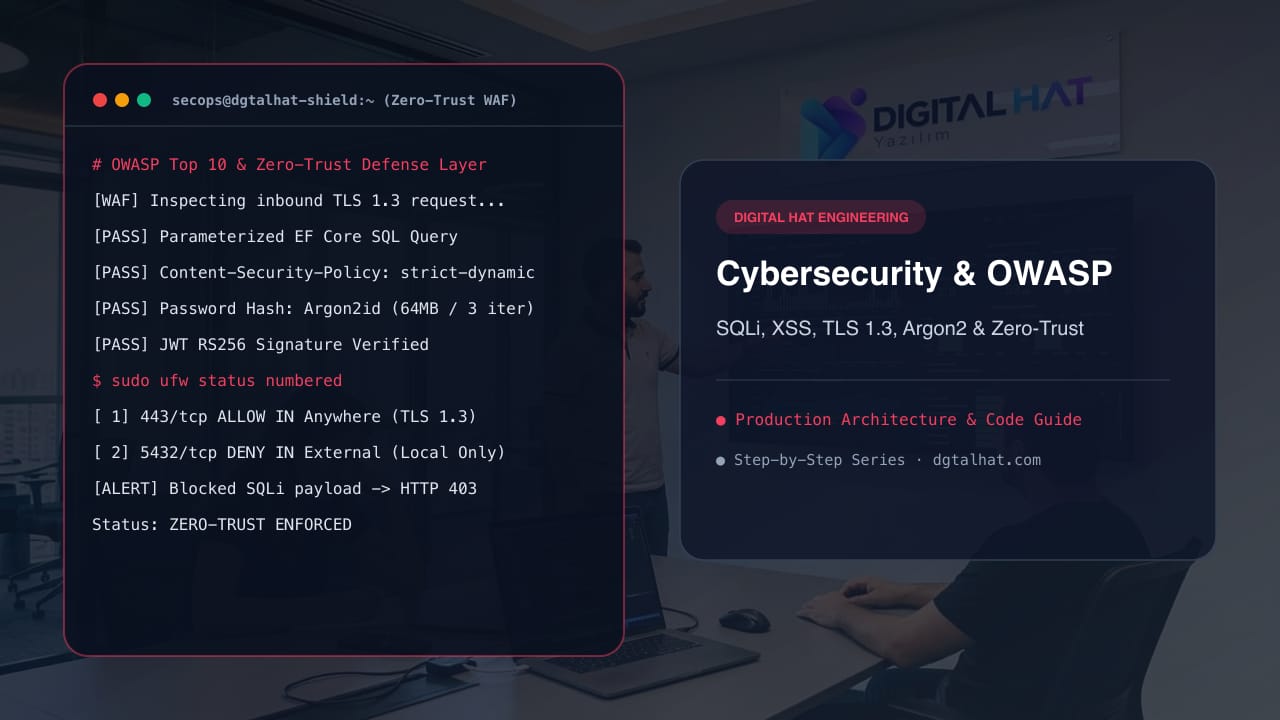
1. Zero-Trust Server Network Topology & Configuration Tree
In a Zero-Trust topology, no service trusts network traffic by default, and internal daemons never bind to 0.0.0.0:
                   [ PUBLIC INTERNET ]
                            │
                            ▼
       ╔═════════════════════════════════════════════╗
       ║  LAYER 1: UFW KERNEL FIREWALL + FAIL2BAN    ║
       ║  ✅ Open Ports  : 80 (HTTP), 443 (HTTPS)    ║
       ║  ✅ Admin Port  : 52329 (SSH - Ed25519)     ║
       ║  ❌ Blocked     : 5000, 3000, 5432, 6379    ║
       ╚═════════════════════════════════════════════╝
                            │
                            ▼
       ╔═════════════════════════════════════════════╗
       ║  LAYER 2: NGINX REVERSE PROXY (TLS 1.3)     ║
       ║  • Edge Rate Limiting & Bot Filtering       ║
       ║  • HSTS, CSP, X-Frame-Options Headers       ║
       ╚═════════════════════════════════════════════╝
                  │                       │
     (127.0.0.1:3000)           (127.0.0.1:5000)
                  ▼                       ▼
       ┌────────────────────┐   ┌────────────────────┐
       │  Next.js Frontend  │   │  .NET 9 Web API    │
       └────────────────────┘   └─────────┬──────────┘
                                          │ (127.0.0.1:5432 - SCRAM-SHA-256)
                                          ▼
                                ┌────────────────────┐
                                │ PostgreSQL 16 DB   │
                                └────────────────────┘
Complete Security Configuration Directory Tree
/ (Linux Security Configuration Tree)
├── etc/
│   ├── ufw/
│   │   └── user.rules                           # Kernel netfilter firewall rules
│   ├── fail2ban/
│   │   ├── jail.conf                            # Package defaults (never edit directly)
│   │   ├── jail.local                           # Persistent SSH and Nginx ban policies
│   │   └── filter.d/
│   │       └── nginx-req-limit.conf             # Regex filter matching repeated HTTP 401/429 abusers
│   └── postgresql/16/main/
│       ├── postgresql.conf                      # listen_addresses = '127.0.0.1'
│       └── pg_hba.conf                          # host all all 127.0.0.1/32 scram-sha-256
└── opt/digitalhat/env/
    └── api.env                                  # chmod 640 (Production secrets isolated outside Git)
2. Step 1: Enforcing a Default-Deny Perimeter with UFW
We configure Linux Netfilter via UFW so every incoming TCP/UDP port is blocked by default except our three explicitly authorized entry points:
# 1. Set default policy: DENY all incoming connections, ALLOW all outgoing connections
sudo ufw default deny incoming
sudo ufw default allow outgoing

# 2. CRITICAL: Whitelist your custom SSH port BEFORE enabling the firewall!
sudo ufw allow 52329/tcp comment 'Hardened SSH Ed25519 Port'

# 3. Allow public HTTP (80) and HTTPS (443) web traffic
sudo ufw allow 80/tcp comment 'HTTP Redirect'
sudo ufw allow 443/tcp comment 'HTTPS TLS 1.3'

# 4. Enable firewall and inspect numbered rules
sudo ufw enable
sudo ufw status numbered
3. Step 2: Automated IP Banning with Fail2Ban (/etc/fail2ban/jail.local)
Fail2Ban continuously tails SSH and Nginx logs and injects kernel-level firewall drop rules against IPs that exhibit brute-force or vulnerability-scanning behavior:
# File Path: /etc/fail2ban/jail.local
[DEFAULT]
bantime  = 1h
findtime = 10m
maxretry = 3
# Exponentially increase ban duration for repeat offenders (1h -> 24h -> 7d):
bantime.increment = true
bantime.factor = 2
ignoreip = 127.0.0.1/8 ::1

# JAIL 1: SSH Brute-Force Protection
[sshd]
enabled  = true
port     = 52329
logpath  = %(sshd_log)s
backend  = %(sshd_backend)s
maxretry = 3

# JAIL 2: Nginx Authentication Abuse Protection
[nginx-http-auth]
enabled  = true
port     = http,https
logpath  = /var/log/nginx/*error.log
maxretry = 5

# JAIL 3: Automated Scanner Protection (.env, /wp-admin, /phpmyadmin probes)
[nginx-botsearch]
enabled  = true
port     = http,https
logpath  = /var/log/nginx/*access.log
maxretry = 10
4. Step 3: Zero-Leak Secret Management & Fail-Fast Startup Validation
Never store production credentials inside appsettings.json. Use placeholder tokens in Git, dotnet user-secrets locally, and chmod-640 EnvironmentFile injection in production, backed by Fail-Fast startup validation in Program.cs:
// File: src/DigitalHat.Api/Program.cs
var builder = WebApplication.CreateBuilder(args);

string? dbConnection = builder.Configuration.GetConnectionString("PostgreSQL");
string? jwtSecret    = builder.Configuration["JwtOptions:SecretKey"];

if (string.IsNullOrWhiteSpace(dbConnection) || dbConnection.Contains("REPLACE_WITH_"))
{
    throw new InvalidOperationException(
        "CRITICAL SECURITY ERROR: 'ConnectionStrings__PostgreSQL' environment variable is missing!");
}

if (string.IsNullOrWhiteSpace(jwtSecret) || jwtSecret.Length < 32)
{
    throw new InvalidOperationException(
        "CRITICAL SECURITY ERROR: 'JwtOptions__SecretKey' must be at least 32 characters (256-bit)!");
}
5. Summary
Combined with Part 1, your stack is now protected from the Linux kernel firewall all the way up to parameterized EF Core queries and Argon2id hashes.
Did you find this engineering guide helpful?
Give it a like or share it with your team and network.